





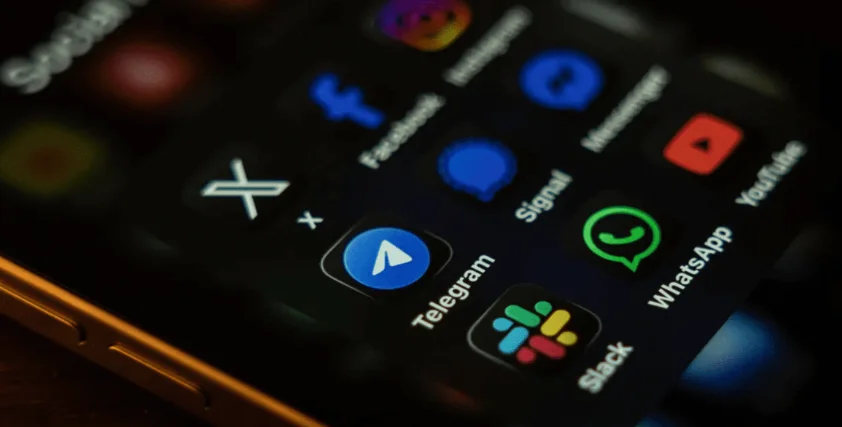
Users of WhatsApp, Instagram, TikTok, Telegram, and Facebook Messenger are facing a new wave of cyber threats as the U.S. Cybersecurity and Infrastructure Security Agency (CISA) issues a global alert about advanced spyware capable of infiltrating both Android and iPhone devices.
According to a report from Forbes, multiple cybercriminal groups are testing and deploying commercial-grade spyware designed to give attackers full access to smartphones. The malware secretly captures sensitive data, including banking details, while bypassing encrypted messaging protections.
The spyware does not crack encryption. Instead, it reads messages after they appear on the user’s screen, effectively spying on conversations in real time.
Forbes noted: “The attackers are not breaking encryption. They have simply created a process that reads your messages once they display on your smartphone.”
Nigeria Faces Rising Spyware Activity
Although the threat first emerged in Europe and the U.S., cybersecurity signals show that the spyware is now actively targeting Nigerian users. Its remote capabilities make devices in Lagos or Abuja just as vulnerable as those in major global cities.
Victims in Nigeria Share Experiences
Emmanuel, a Lagos-based iPhone 11 Pro Max user, reported repeated hacking attempts on his social media accounts:
“For two weeks now, someone has been trying to hack into most of the accounts I manage. This morning, I saw an attempt to break into a TikTok account, and I realised my two-factor authentication had been switched off.”
Blessing, who uses a Tecno Android phone, noticed unusual attempts to compromise WhatsApp groups she manages, suggesting efforts to capture data or manipulate communities.
These incidents show that regular users, not just political figures or celebrities, are now on the radar of spyware operators.
How to Protect Your Device From Spyware Attacks
CISA has provided specific recommendations for both iPhone and Android users.
iPhone Protection Tips
1. Turn On Lockdown Mode (For High-Risk Users)
Useful for journalists, activists, influencers, and admins of large online communities.
2. Review App Permissions
Remove access for apps that unnecessarily use your location, camera, or microphone.
3. Enable iCloud Private Relay
This hides your IP address and adds an important privacy layer.
4. Disable SMS Fallback for iMessage
Prevents unencrypted messages from being used if iMessage fails.
Android Protection Tips
1. Keep Google Play Protect On
This scans your device for malware in real time.
2. Limit App Permissions
Restrict sensitive permissions such as Contacts, Microphone, Camera, and Storage.
3. Enable Enhanced Safe Browsing in Chrome
Provides stronger phishing and malware protection.
4. Download Only From Google Play Store
Avoid APKs, many recent Android malware strains spread through unauthorized downloads.
General Security Recommendations for All Users
1. Update Your Phone and Apps Regularly
Security updates fix vulnerabilities exploited by spyware.
2. Switch From SMS to App-Based 2FA
Use tools like:
- Google Authenticator
- Microsoft Authenticator
- Authy
3. Check Linked Devices Frequently
Log out of unfamiliar sessions on WhatsApp, Telegram, and other apps.
4. Use a Password Manager
Generate unique, secure passwords to avoid multi-account compromises.
As cyber threats evolve, Nigerians must adopt stronger digital security habits. Regular updates, secure authentication methods, and tighter app permissions remain the best defence against these emerging spyware attacks.